GTX 960 runs Going Medieval at approximately ~80 FPS at 1080p High settings — verdict: SMOOTH. At 1440p: ~37 FPS (PLAYABLE). At 4K: ~9 FPS (CANT_RUN).
The GTX 960 averages ~80 FPS in Going Medieval at 1080P High settings, comfortably above the 60 FPS smooth-play threshold. Frame pacing is stable at this resolution. No GPU upgrade required. Note: Performance in large-scale or late-game scenarios depends heavily on your processor's single-thread clock speed, not just GPU power — a fast CPU matters as much as your GPU here.
Performance Optimizer
Live SimulationFrequently asked questions — GTX 960 & Going Medieval
Can I run Going Medieval on GTX 960?
Yes. The GTX 960 delivers approximately 80 FPS in Going Medieval at 1080p High settings. This exceeds the 60 FPS smooth-play threshold — gameplay is fluid without any adjustments needed.
What FPS does GTX 960 get in Going Medieval at 1440p?
The GTX 960 averages approximately 37 FPS in Going Medieval at 1440p High settings — verdict: PLAYABLE. Playable at 1440p — consider lowering to Medium for a smoother experience.
Can GTX 960 run Going Medieval at 4K?
The GTX 960 averages approximately 9 FPS in Going Medieval at 4K High settings — verdict: CANT_RUN. 4K is not recommended on this GPU for this title. 1080p or 1440p is the better choice.
About Going Medieval
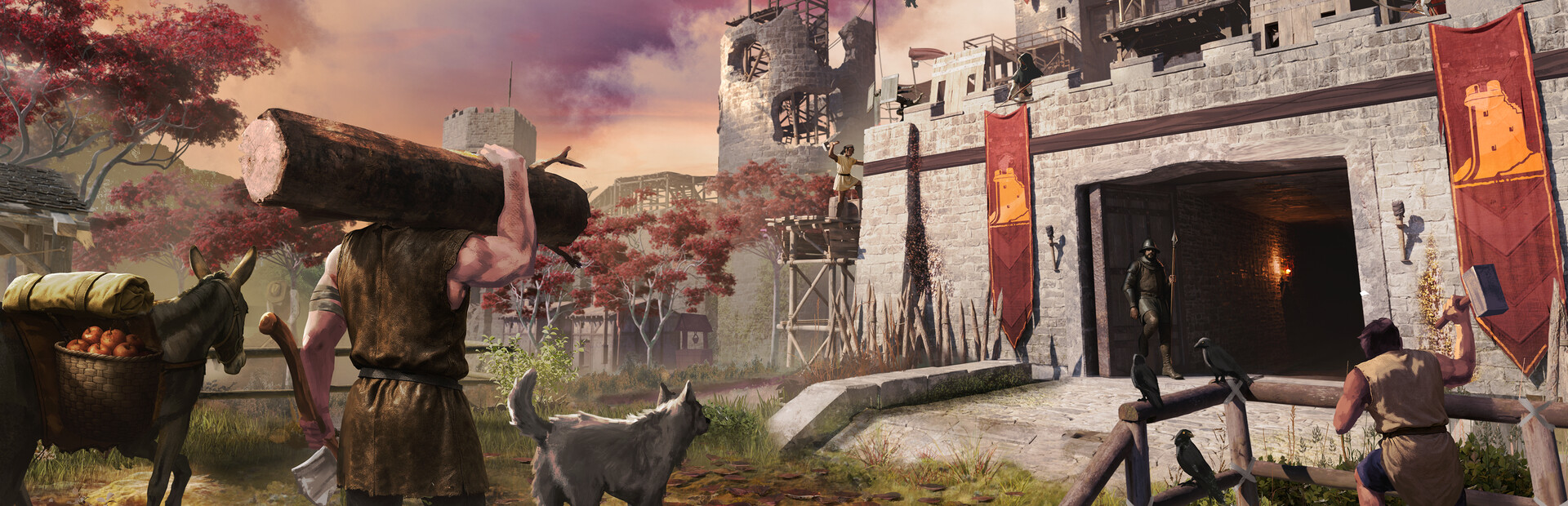
Build and manage your own castle settlement in a land reclaimed by wilderness. With detailed management, survival strategy, and a moddable sandbox world, Going Medieval challenges you to build the mightiest colony this side of the apocalypse.
View all deals for Going Medieval →